Your Travel Data Checklist for International Trips

TL;DR:
- A travel data checklist helps ensure phone connectivity and digital security during international trips. It includes setting up an eSIM, verifying accounts and 2FA, and packing essential accessories like adapters and a VPN. Proper preparation prevents common issues such as account lockouts, signal loss, and connectivity failures abroad.
A travel data checklist is a curated set of steps and items that guarantee mobile connectivity and digital preparedness throughout your international trip. Most travelers pack their clothes and forget their data. They land in Tokyo or Lisbon and discover their phone shows no signal, their bank has locked their account, and their boarding pass is stuck behind a login they can’t access. A solid connectivity prep plan, built around eSIM technology, two-factor authentication (2FA) best practices, and universal travel adapters, prevents every one of those scenarios. The steps below take less than an hour total and save you from hours of airport panic.

1. Your travel data checklist starts with choosing the right mobile plan
Setting up your mobile data before departure is the single most important step on any trip preparation list. Your two main options are home carrier international roaming and a travel eSIM. Roaming fees vary widely by carrier, but they consistently cost more per gigabyte than a dedicated travel plan. A travel eSIM gives you instant digital activation in 190+ countries without touching a physical SIM card.
Pre-departure eSIM setup typically takes under 15 minutes. That speed matters because it means you can handle everything at home, on your own Wi-Fi, with no pressure. Buying a plan at the airport costs more and takes longer. Buy it the night before you fly.
Pro Tip: After purchasing your eSIM, set it as your primary data line in your phone’s cellular settings before you leave home. Test it by toggling airplane mode on and off. If data loads, you’re ready.
2. How to activate and configure your eSIM correctly
An eSIM is a digital SIM card embedded in your phone. You activate it by scanning a QR code or entering an activation code, both of which arrive by email seconds after purchase. Understanding how eSIM QR codes work saves you from the most common setup mistake: trying to install the eSIM after you’ve already lost Wi-Fi access.
Follow these steps in order:
- Purchase your eSIM plan from a provider that covers your destination countries.
- Open the confirmation email on your phone and tap the QR code link, or go to Settings > Cellular > Add eSIM.
- Scan the QR code or enter the activation code manually.
- Label the new line (for example, “Europe Trip”) so you can identify it easily.
- Set the eSIM as your default data line and keep your home SIM active for calls if needed.
- Toggle airplane mode on, then off, and confirm data loads on the new line.
The whole process runs in under 15 minutes on any eSIM-compatible device. Do it at home, not at the gate.
3. Verifying account access and 2FA before you leave
The most common oversight for travelers is failing to verify access to primary email and financial accounts on their travel device before departure. Banks and email providers flag foreign IP addresses as suspicious. Without preparation, you get locked out the moment you land.
Two-factor authentication is the specific culprit. SMS-based 2FA codes often fail abroad because your home SIM has no signal or because roaming fees block incoming texts. Switch your 2FA method to an authenticator app like Google Authenticator or Authy before you travel. Authenticator apps generate codes locally on your device, with no cell signal required.
Your pre-departure account checklist:
- Primary email: Log in on your travel device and confirm 2FA works with your authenticator app.
- Banking apps: Open each app and verify your login. Note the customer service number for your destination’s time zone.
- Travel insurance portal: Confirm your policy number and claim filing process are accessible offline.
- Airline and hotel apps: Download boarding passes and reservation confirmations to your phone’s wallet or a PDF folder.
- Cloud storage: Verify that your backup copies of documents sync correctly.
Critical documents should be stored in two formats: cloud and offline on your device. A screenshot of your passport photo page saved to your phone’s camera roll costs nothing and has saved travelers from genuine emergencies.
Pro Tip: Send yourself an email with all key account recovery codes, emergency contacts, and reservation numbers. That email is accessible from any device with internet, anywhere in the world.
4. Essential tech accessories for your packing checklist
Physical gear matters as much as digital prep. A universal travel adapter that supports 150+ countries eliminates the need to carry multiple plugs and works in virtually every destination. Pair it with a power bank rated at 20,000mAh or higher to keep your phone, tablet, and earbuds charged through long travel days.
A multi-port USB hub lets you charge multiple devices from a single hotel outlet. This matters more than it sounds. Many hotel rooms in Europe and Asia offer only one or two accessible outlets near the bed. A hub turns one outlet into four.
Key accessories for your packing checklist:
- Universal travel adapter (supports 150+ countries): non-negotiable for international trips
- Power bank (20,000mAh or higher): covers a full day of heavy phone use
- Multi-port USB hub: charges phone, tablet, and earbuds simultaneously
- Offline maps: download Google Maps or Maps.me for your destination cities before departure
- Translation app: download language packs offline in Google Translate
- VPN app: install and test before departure for public Wi-Fi security
Carrying a universal travel adapter reduces the bulk of multiple country-specific plugs and protects your devices from voltage mismatches. Buy one with surge protection built in.
5. How to protect your data security while traveling
Using a VPN is the single most effective step for travelers connecting via public Wi-Fi in airports, hotels, and cafes. Public Wi-Fi networks frequently flag or block foreign IP addresses, which triggers account lockouts at banks and email providers. A VPN masks your location and keeps your sessions stable.
VPN use is also a necessity in countries with high internet censorship, including China, Russia, and Iran. Without a VPN, access to Google, WhatsApp, and many banking apps is blocked entirely. Install your VPN before you enter those countries, because the app stores in those regions may not carry VPN apps.
Connectivity is about redundancy. Carry both a live data connection and offline backups to prevent losing critical information when networks fail. A VPN, an offline map, and a downloaded copy of your itinerary together cover the three most common travel data failures: censorship, outages, and account lockouts.
Additional security steps for your travel itinerary guide:
- Test your 2FA settings at home before departure. SMS codes often fail abroad.
- Keep your home mobile carrier’s web login credentials stored in a password manager. You may need to remotely manage your plan or top up data from a browser.
- Avoid logging into financial accounts on shared hotel computers.
- Enable remote wipe on your phone through Find My iPhone or Google Find My Device.
A VPN also prevents foreign IP address flags from locking you out of sensitive accounts. It is one of the cheapest and most effective tools on any travel essentials list.
6. Managing offline resources and connectivity redundancy
Connectivity redundancy means always having a backup plan that combines digital options and offline resources. No single connection method is 100% reliable. Your eSIM covers most situations. Your offline downloads cover the rest.
Download these resources before you leave home:
- City maps for every destination (Google Maps offline or Maps.me)
- Your full travel itinerary as a PDF
- Hotel addresses in the local language and script
- Emergency contact numbers for your country’s embassy at each destination
- Offline translation packs for every language you’ll encounter
Offline maps deserve special attention. GPS on your phone works without any data connection at all. A downloaded map lets you navigate even when your eSIM has no signal in a rural area or a subway tunnel. This is one of the most overlooked items on any what-to-pack-for-travel list.
Pro Tip: Screenshot your hotel’s address in the local script and save it to your photos. Show it to a taxi driver if your translation app fails. This works in Tokyo, Bangkok, and Cairo without any internet connection.
Key Takeaways
A complete travel data checklist combines a pre-activated eSIM, verified account access, offline document backups, and a VPN to eliminate the most common international connectivity failures.
| Point | Details |
|---|---|
| Activate your eSIM at home | eSIM setup takes under 15 minutes and must be done before departure, not at the airport. |
| Switch 2FA to an authenticator app | SMS codes fail abroad; authenticator apps generate codes offline with no signal needed. |
| Store documents in two formats | Save critical files to both cloud storage and offline on your device for full redundancy. |
| Pack a universal travel adapter | One adapter covers 150+ countries and protects devices from voltage mismatches. |
| Use a VPN on public Wi-Fi | A VPN prevents account lockouts caused by foreign IP flags and protects financial data. |
Why I think most travelers are one step away from a connectivity disaster
Most travelers I’ve spoken with treat mobile data as an afterthought. They assume their phone will “just work” abroad, the same way it works at home. That assumption costs them hours and sometimes hundreds of dollars.
The mistake I see most often is not the big one. It’s not forgetting a charger or losing a passport. It’s the quiet failure: landing in a new country, opening a banking app, and getting locked out because the bank flagged a foreign IP address. That lockout happens because the traveler never tested their 2FA setup at home. A five-minute test before departure would have caught it.
eSIM technology has genuinely changed what’s possible for international travelers. Buying a local data plan used to mean finding a SIM card shop, waiting in line, and hoping the staff spoke enough English to help. Now it takes 15 minutes on your couch. The technology is there. The gap is awareness.
The checklist items that save the most time are also the easiest to skip: downloading offline maps, switching 2FA to an authenticator app, saving a PDF of your itinerary. None of them take more than ten minutes. All of them have bailed out travelers I know in real situations. Do the boring prep work before you leave. You won’t regret it.
— Mohammed
Cryptoesim makes global connectivity straightforward
Cryptoesim offers eSIM plans for 190+ countries with instant activation and no physical SIM required. You can pay with Bitcoin, Ethereum, over 300 other crypto tokens, a credit card, or Apple Pay. No account creation is needed, and no KYC verification is required.
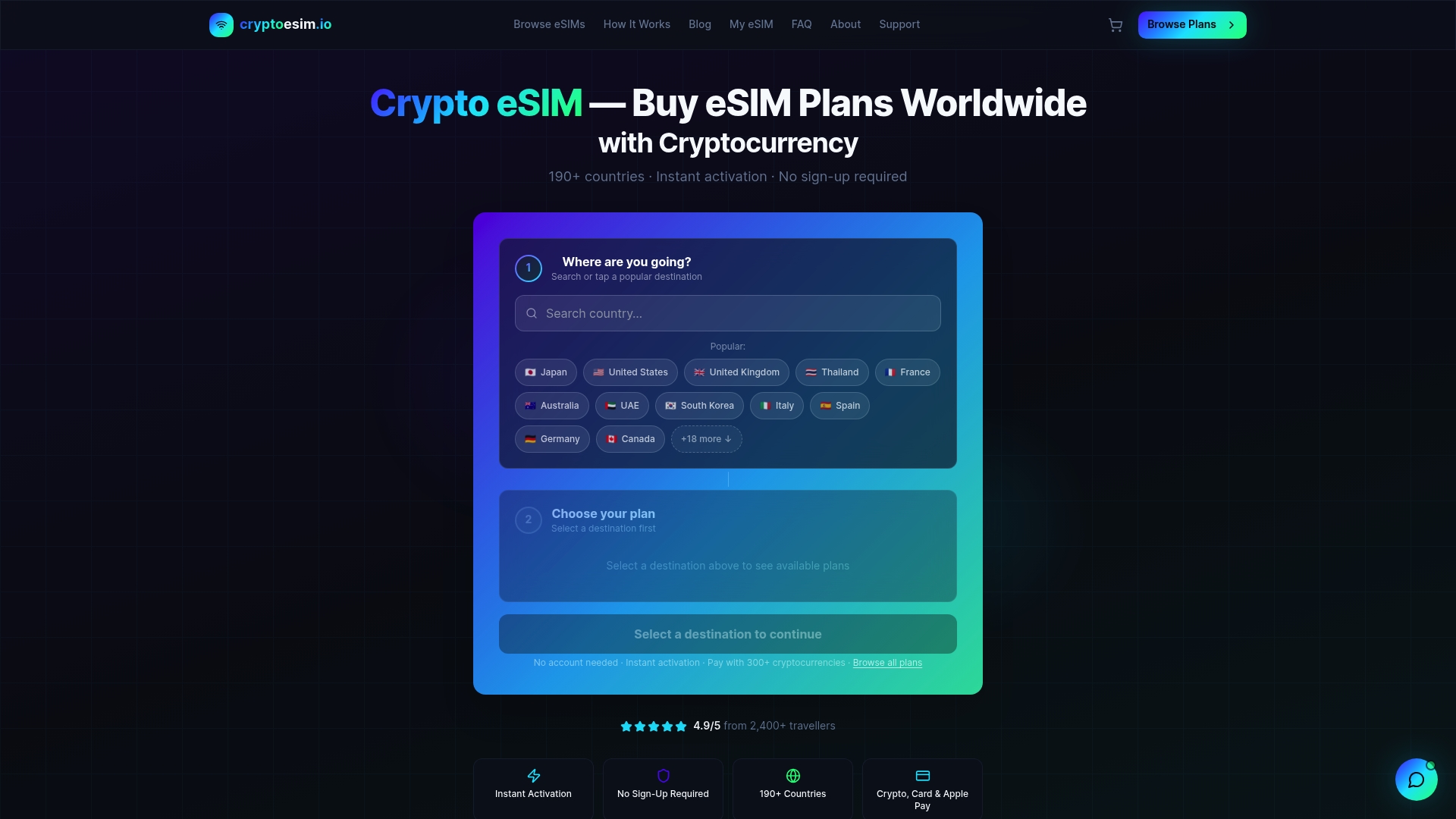
Cryptoesim is built for travelers who want reliable data without the friction of traditional carriers. Plans activate in minutes, cover over 190 countries, and are managed entirely through a digital dashboard. If you want secure mobile data without handing over personal documents or waiting for a physical card to arrive, Cryptoesim is the direct path to that. Browse available plans and activate before your next departure.
FAQ
What is a travel data checklist?
A travel data checklist is a structured list of mobile connectivity and digital preparedness steps completed before an international trip. It covers eSIM setup, 2FA verification, offline document downloads, and essential tech accessories.
How long does eSIM setup take before a trip?
Pre-departure eSIM setup typically takes under 15 minutes. Purchase a plan, scan the QR code in your phone’s cellular settings, and set the eSIM as your default data line before you leave home.
Why does 2FA fail when traveling internationally?
SMS-based 2FA codes often fail abroad because your home SIM has no signal or roaming is blocked. Switching to an authenticator app like Google Authenticator solves this, since it generates codes locally without any cell signal.
Do I need a VPN for international travel?
A VPN is necessary for travelers using public Wi-Fi in airports and hotels, and for anyone visiting countries with internet censorship. It prevents account lockouts caused by foreign IP flags and protects financial data on open networks.
What physical items belong on a travel connectivity packing list?
A universal travel adapter compatible with 150+ countries, a high-capacity power bank, and a multi-port USB hub are the three most critical physical items for maintaining connectivity and power management abroad.