Apple Pay for global travelers: secure online payments 2026

Apple Pay has transformed how travelers make online purchases, but many still wonder if their card details are truly safe during international transactions. Unlike traditional payment methods that expose your card number to merchants, Apple Pay uses advanced tokenization to keep your financial data private. For tech-savvy remote workers and digital nomads buying eSIM plans or booking travel services, this security advantage matters. This guide explains how Apple Pay protects your payments, processes transactions seamlessly, and why it’s become essential for global connectivity purchases in 2026.
Table of Contents
- How Apple Pay Secures Online Payments
- Apple Pay’s Payment Process For Online And App Transactions
- Benefits And Challenges Of Apple Pay For International Travelers And Remote Workers
- Apple Pay’s Market Role And Its Impact On eSIM Online Purchasing Experience
- Discover Seamless eSIM Purchases With Secure Apple Pay Integration
- Frequently Asked Questions About Apple Pay And Online Payments
Key takeaways
| Point | Details |
|---|---|
| Tokenization security | Apple Pay replaces your card number with a Device Account Number, keeping actual credentials hidden from merchants. |
| Market dominance | Processes over $10 trillion annually with 92% US mobile wallet market share, proving reliability for international purchases. |
| eSIM purchase advantage | Enables instant, secure eSIM purchases without entering card data, ideal for travelers needing immediate connectivity. |
| International considerations | Foreign transaction fees and bank fraud flags require awareness, but multi-wallet strategies mitigate risks. |
| Conversion boost | Merchants see 22% higher checkout conversion rates with Apple Pay due to reduced friction and faster processing. |
How Apple Pay secures online payments
Apple Pay’s security architecture relies on three core technologies that work together to protect your financial information. When you add a card to Apple Wallet, Apple Pay uses tokenization with Device Account Number stored in a Secure Element chip, replacing your actual card number with a unique identifier. This means merchants never see your real credentials, even during checkout. Your sensitive payment data lives in hardware isolation on your device, completely inaccessible to apps, websites, or Apple itself.
Every transaction requires biometric authentication through Face ID or Touch ID before processing. This two-factor approach combines something you have (your device) with something you are (your biometric data), creating a security barrier that stolen card numbers can’t bypass. Physical cards lack this layer entirely, making them vulnerable to unauthorized use if lost or compromised.
The system generates a unique dynamic cryptogram for each purchase, a one-time code that becomes useless after the transaction completes. Even if someone intercepts this data, they can’t reuse it for fraudulent purchases. This cryptographic approach reduces fraud risk dramatically compared to static card numbers that remain valid until expiration.
Security benefits for merchants and users:
- Reduces PCI compliance scope since card data never touches merchant systems
- Eliminates data breach risks associated with stored card information
- Processes transactions 63% faster than traditional methods, improving user experience
- Lowers chargeback rates through verified authentication
For eSIM purchases where instant activation matters, this speed advantage means you can buy data plans and connect within seconds of landing in a new country. The security framework also aligns perfectly with privacy-focused services like crypto eSIM platforms that prioritize no-KYC transactions, offering travelers multiple secure payment paths.
Pro Tip: Enable two-factor authentication on your Apple ID to add another security layer. If someone gains access to your iCloud account, they still can’t use Apple Pay without your device and biometric data.
Apple Pay’s payment process for online and app transactions
The technical workflow behind Apple Pay creates a seamless experience while maintaining robust security. When you tap the Apple Pay button during checkout, merchants generate an ApplePayPaymentRequest containing transaction details like amount, currency, and supported card networks. This request triggers your device’s authentication sequence.

Your iPhone or Mac uses the Secure Enclave, a dedicated hardware component separate from the main processor, to verify your identity. This isolated environment processes biometric data without exposing it to the operating system or any apps. Once authenticated, the Secure Enclave authorizes creation of an encrypted payment token containing the Device Account Number and transaction-specific cryptogram.
Step-by-step payment flow:
- Merchant initiates payment request with transaction details
- Device prompts biometric authentication via Face ID or Touch ID
- Secure Enclave generates encrypted payment token
- Token transmits to Apple’s servers through secure channel
- Apple forwards token to your card issuer’s payment network
- Issuer approves or declines based on available funds and fraud checks
- Merchant receives authorization without accessing your card number
This architecture supports advanced payment types crucial for eSIM services. Recurring payments work seamlessly for monthly data plan subscriptions, while installment options let you split larger purchases across billing cycles. Multi-merchant transactions enable bundled services, like buying an eSIM plan alongside travel insurance in one checkout flow.
The system’s flexibility extends to crypto payment integration for secure global data access, where Apple Pay can serve as a bridge payment method. You purchase with Apple Pay, and the merchant converts to crypto on the backend, combining convenience with blockchain privacy benefits.
| Payment Type | Support Level | Use Case |
|---|---|---|
| One-time purchases | Full | Instant eSIM activation |
| Recurring billing | Full | Monthly data subscriptions |
| Installments | Partial | Large travel packages |
| Multi-merchant | Full | Bundled travel services |
Pro Tip: Check your Apple Wallet transaction history regularly. The detailed receipts help track international purchases and identify any unauthorized charges before they become disputes.
Benefits and challenges of Apple Pay for international travelers and remote workers
Apple Pay offers compelling advantages for global purchases, but understanding its limitations helps you plan effectively. The speed and security benefits shine when buying eSIM plans at airports or booking last-minute accommodations abroad. You avoid fumbling with physical cards or worrying about card skimmers at unfamiliar ATMs. The biometric authentication works identically worldwide, providing consistent security regardless of location.
However, bank fraud detection may flag international transactions as suspicious, especially large purchases or multiple transactions in short periods. Your issuer might decline the payment even though Apple Pay itself works perfectly. This happens because banks monitor spending patterns, and sudden international activity triggers automated security protocols. Foreign transaction fees typically range from 1% to 3%, imposed by your card issuer, not Apple Pay. These fees apply to currency conversion and international processing, adding cost to overseas purchases.
Common international payment challenges:
- Contactless payment limits vary by country, sometimes capping transactions at $50-$100
- Offline Apple Pay works for tap payments but online checkouts require internet connectivity
- Some merchants in developing markets don’t support Apple Pay infrastructure
- Dynamic currency conversion at checkout can inflate costs if you accept merchant rates
Strategies for reliable international payments:
- Notify your bank before traveling to prevent fraud blocks
- Use a no-foreign-fee credit card in Apple Wallet to eliminate conversion charges
- Maintain multiple payment wallets (Apple Pay, Google Pay, PayPal) for redundancy
- Always decline dynamic currency conversion and pay in local currency
- Keep a backup physical card and local cash for emergencies
The multi-wallet approach proves especially valuable when comparing eSIM versus physical SIM options for international travel. If Apple Pay fails during checkout, switching to an alternative payment method takes seconds. This flexibility ensures you never lose connectivity due to payment processing issues.
| Challenge | Impact Level | Mitigation Strategy |
|---|---|---|
| Bank fraud flags | High | Pre-travel notification, multiple cards |
| Foreign transaction fees | Medium | No-fee credit cards |
| Contactless limits | Low | Use PIN for larger amounts |
| Offline restrictions | Medium | Download eSIM before travel |
Pro Tip: Set up Apple Pay on multiple devices. If your primary phone runs out of battery or gets lost, you can complete purchases using your iPad or Apple Watch as backup.
Apple Pay’s market role and its impact on eSIM online purchasing experience
Apple Pay’s massive adoption has fundamentally changed online payment expectations. The platform processes approximately $10 trillion in global transactions annually and handles over 14% of all online consumer payments, demonstrating its critical role in e-commerce infrastructure. In the United States, Apple Pay commands 92% of the mobile wallet market, making it the default digital payment method for millions of iPhone users.
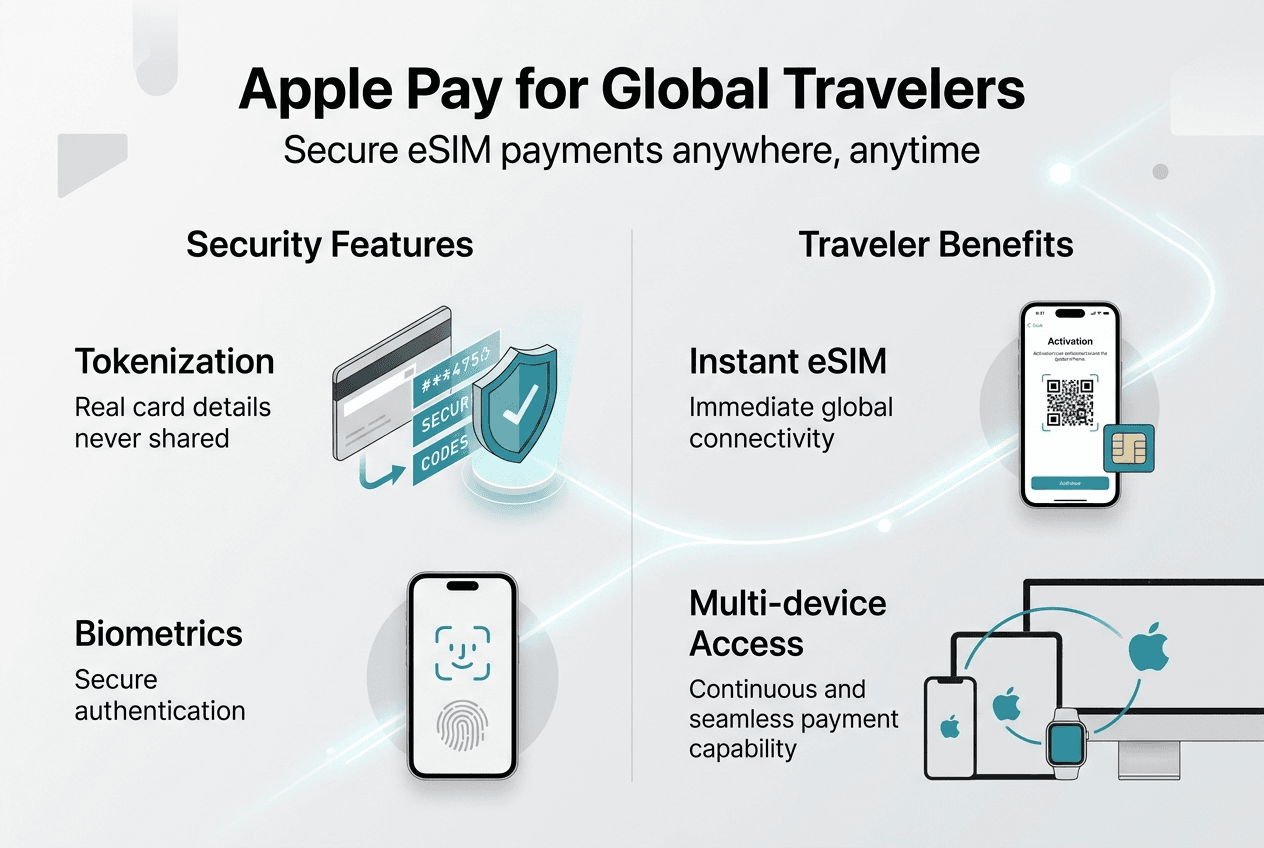
This dominance creates powerful network effects for eSIM providers. When merchants integrate Apple Pay, they tap into an established user base that trusts the payment method and understands how it works. The familiar interface reduces checkout friction dramatically, leading to 22% higher conversion rates compared to traditional payment forms. For time-sensitive purchases like eSIM activation before a flight, this speed advantage directly improves customer satisfaction.
The platform’s fraud prevention capabilities benefit both buyers and sellers. Lower chargeback rates mean eSIM providers spend less time disputing fraudulent transactions and more resources improving service quality. The biometric authentication requirement makes it extremely difficult for unauthorized users to complete purchases, even with stolen device access. This security translates to cost savings that providers can pass to customers through competitive pricing.
Market impact metrics:
- 507 million active Apple Pay users globally in 2026
- 85% of US retailers accept Apple Pay at physical and online checkpoints
- Average transaction value 18% higher than card-only checkouts
- 63% reduction in payment processing time improves operational efficiency
International payment nuances affect eSIM purchases differently than physical goods. Dynamic currency conversion, where merchants offer to charge you in your home currency, often includes unfavorable exchange rates. Savvy travelers decline this option and let their card issuer handle conversion at better rates. This practice matters less with eSIM purchases since you’re often buying from your home country before travel, but understanding the mechanism helps when purchasing local plans abroad.
The comparison between crypto eSIM and regular eSIM payment options highlights Apple Pay’s role as a bridge technology. While cryptocurrency offers maximum privacy and no geographic restrictions, Apple Pay provides mainstream accessibility with strong security. Having both options ensures eSIM providers serve diverse customer preferences without compromising on protection or convenience.
| Metric | Apple Pay Performance | Industry Average |
|---|---|---|
| Checkout conversion | 89% | 67% |
| Average completion time | 18 seconds | 48 seconds |
| Chargeback rate | 0.3% | 1.2% |
| Mobile optimization | 98% | 74% |
Pro Tip: When buying eSIM plans for multiple destinations, complete all purchases in one session. Banks are less likely to flag grouped transactions than scattered purchases across days, reducing the chance of fraud blocks.
Discover seamless eSIM purchases with secure Apple Pay integration
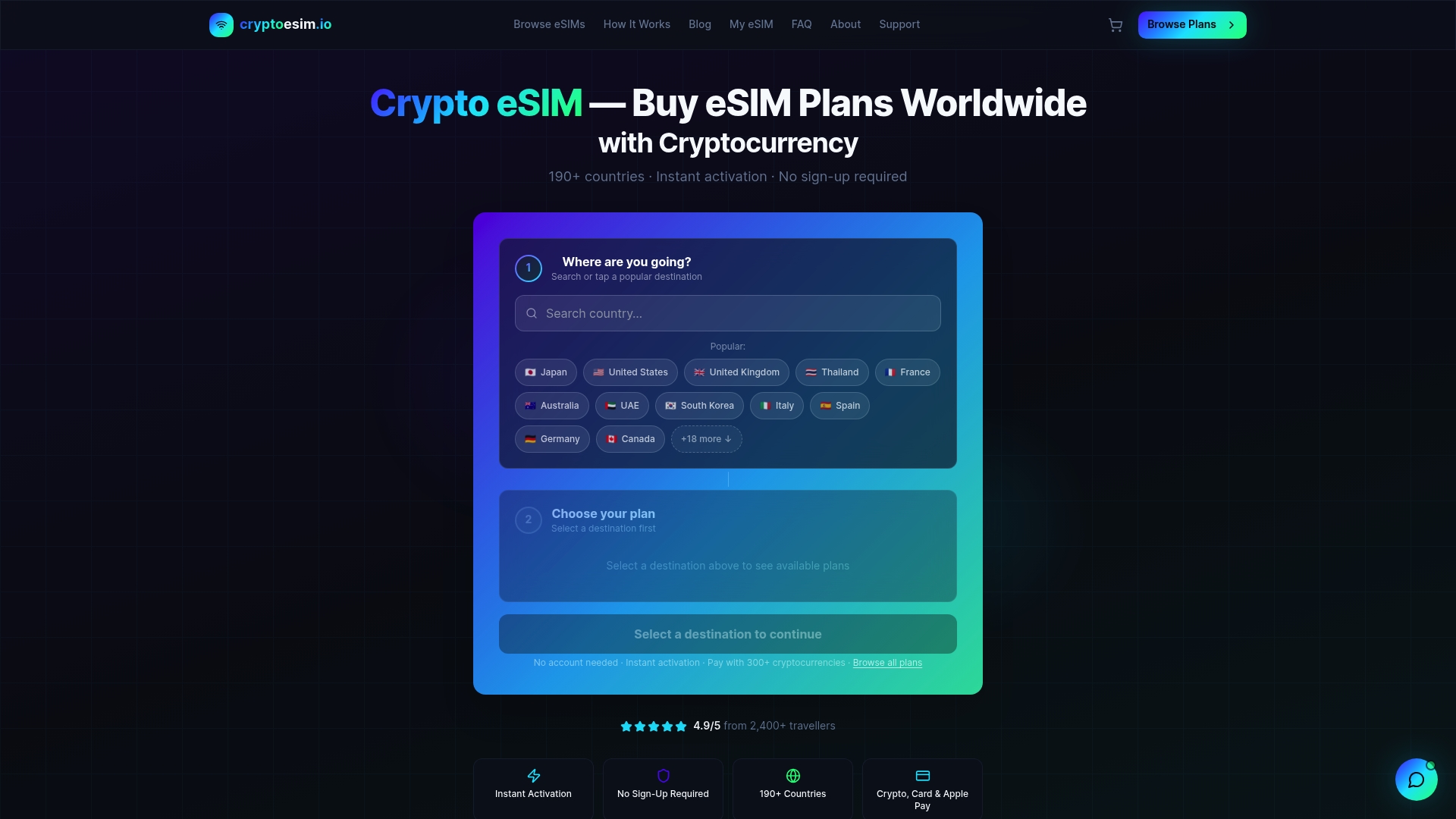
Ready to experience the convenience of Apple Pay for your global connectivity needs? CryptoeSIM.io combines Apple Pay’s security with instant eSIM activation across 190+ countries, giving you immediate mobile data access without physical SIM cards or account registration. The platform’s versatile payment options, including Apple Pay, credit cards, and over 300 cryptocurrencies, ensure you can purchase using your preferred method.
Whether you’re a digital nomad needing reliable connectivity or a traveler seeking privacy-focused solutions, the integration of crypto payments for secure global data access with traditional methods like Apple Pay offers unmatched flexibility. The no-KYC crypto eSIM approach respects your privacy while Apple Pay provides familiar, fast checkout. Explore plans today and stay connected worldwide with payment methods that match your security priorities.
Frequently asked questions about Apple Pay and online payments
Does Apple Pay charge foreign transaction fees for international purchases?
Apple Pay itself charges no fees, but your card issuer may impose foreign transaction fees ranging from 1% to 3% when you purchase in foreign currencies. Choose a no-foreign-fee credit card in your Apple Wallet to eliminate these charges completely.
Can I use Apple Pay if my phone battery dies while traveling?
If your iPhone battery dies, Apple Pay won’t work for new transactions since it requires device power for authentication. However, some devices support Express Transit mode for public transportation even with low battery. Always carry a backup payment method for emergencies.
Why did my bank decline an Apple Pay transaction abroad?
Banks use fraud detection systems that flag unusual spending patterns, including international purchases or multiple transactions in unfamiliar locations. Contact your bank before traveling to notify them of your plans, which reduces the likelihood of legitimate transactions being blocked.
Is Apple Pay safer than using my credit card directly for eSIM purchases?
Yes, Apple Pay provides superior security through tokenization, biometric authentication, and dynamic cryptograms that prevent your actual card number from reaching merchants. Even if a merchant’s system is breached, your payment credentials remain protected.
What happens if I need to dispute an Apple Pay transaction?
Dispute procedures follow your card issuer’s standard chargeback process, not Apple’s policies. Contact your bank or credit card company directly to initiate disputes, providing transaction details from your Apple Wallet history as documentation for the claim.