How to Buy Gift Cards with Apple Pay in 2026
TL;DR:
- Apple Pay offers a fast, secure way to buy digital and physical gift cards using biometric authentication. Most transactions are completed within seconds, with digital cards delivered instantly via email, especially on Safari browsers. Retailer policies and browser compatibility often influence the success of purchases, making sure the checkout environment supports Apple Pay essential.
Apple Pay is a biometric-secured mobile payment method that lets you purchase digital and physical gift cards without typing a single card number. With over 500 million active users globally as of 2026, it has become one of the most trusted ways to buy gift cards online. The process is fast, your financial data stays protected through tokenization, and digital gift cards arrive in your inbox within minutes. This guide covers exactly how to buy gift cards with Apple Pay, what you need to get started, and how to handle the common snags that trip people up.
What do you need before buying gift cards with Apple Pay?
Getting set up takes less than five minutes if you have an Apple device. The prerequisites are straightforward, but skipping any one of them will stop the transaction cold.
Device and Wallet setup:
- Open the Wallet app on your iPhone, iPad, or Mac.
- Tap the “+” icon and follow the prompts to add a credit or debit card.
- Verify the card with your bank when prompted (usually a text code or a call).
- Enable Face ID or Touch ID as your authentication method in Settings.
Payment method considerations:
Your card choice matters more than most people realize. Debit cards linked within Apple Pay often bypass retailer restrictions that block credit cards for gift card purchases. If your credit card gets declined at checkout, switching to a linked debit card frequently solves the problem immediately.

Retailer and browser compatibility:
Not every retailer accepts Apple Pay for gift cards. Before you load your cart, check the payment options listed on the retailer’s checkout page. Apple Pay is primarily supported in Safari, so if you are shopping on Chrome or Firefox and the Apple Pay button does not appear, switch to Safari on your Apple device. This single fix resolves the majority of “Apple Pay button missing” complaints.
Pro Tip: Add both a debit card and a credit card to your Wallet before you shop. Having both options ready lets you switch instantly if one card gets declined at a gift card checkout.
How to buy gift cards with Apple Pay: step by step
The purchase flow is consistent across most platforms. Follow these steps and you will complete the transaction in under two minutes.
- Go to a supported retailer or app. Open Safari on your iPhone or Mac and navigate to a retailer that sells digital gift cards and accepts Apple Pay. Popular categories include streaming services, gaming platforms, and major retail chains.
- Select your gift card and denomination. Choose the brand, enter the dollar amount, and add the card to your cart. Most platforms let you personalize with a message for the recipient.
- Proceed to checkout. On the payment page, look for the Apple Pay button. It typically appears as a black button with the Apple logo.
- Tap the Apple Pay button. The Wallet app will display the card you are about to charge. Confirm the amount is correct.
- Authenticate with Face ID or Touch ID. Hold your device up or rest your finger on the sensor. The payment processes in under a second.
- Receive your digital gift card. Most digital gift card deliveries happen within minutes to your email inbox. Some platforms also display the card code directly on screen after purchase.
In-store vs. online gift card purchases
| Purchase Method | Apple Pay Support | Delivery Speed | Best For |
|---|---|---|---|
| Online via Safari | Widely supported | Instant to email | Digital gift cards |
| Retailer app | Varies by app | Instant in-app | Loyalty-linked cards |
| In-store kiosk | Limited | Physical card on the spot | Last-minute physical gifts |
| Third-party gift card platforms | Varies | Instant to email | Wide brand selection |
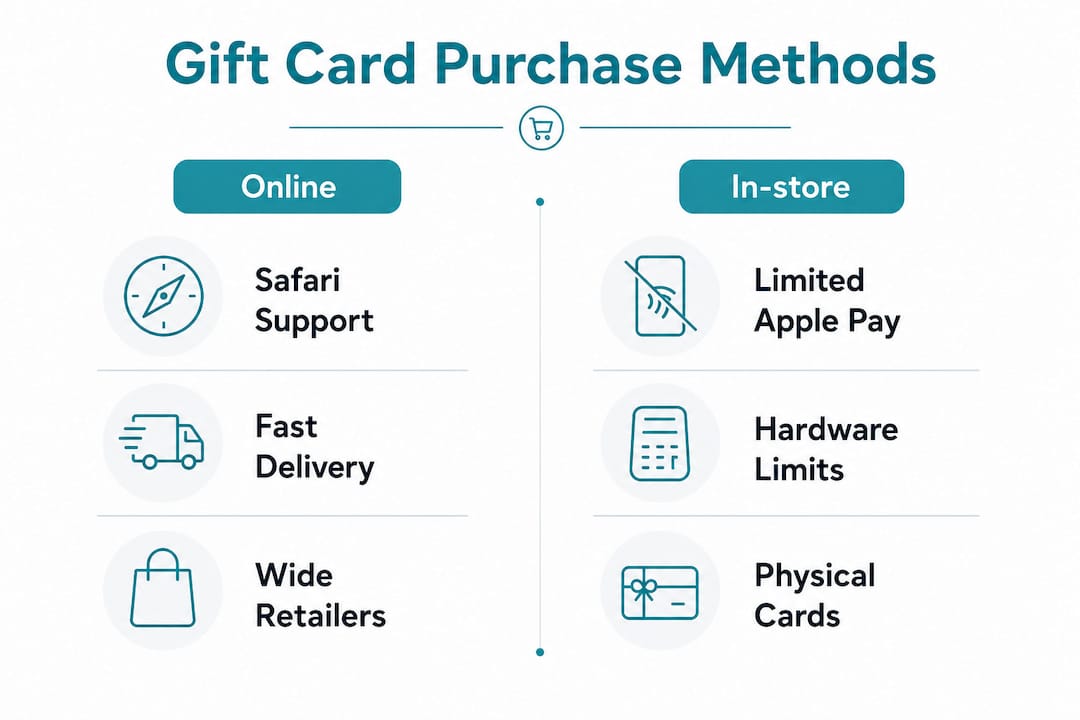
Physical gift cards at in-store kiosks rarely support Apple Pay because the kiosk hardware is not always configured for NFC payments. Online and app purchases are your most reliable options for using Apple Pay.
Pro Tip: If a retailer’s website does not show the Apple Pay button, check whether they have a dedicated mobile app. Many brands enable Apple Pay in their app even when their website checkout does not support it.
Common issues when buying gift cards with Apple Pay
Most problems with an Apple Pay gift card purchase trace back to retailer policy, not the technology itself. Knowing the cause saves you time and frustration.
Retailer anti-fraud blocks. Retailers often block Apple Pay for gift card transactions entirely or partially because gift cards are treated as cash equivalents. This is a merchant-side decision, not an Apple Pay limitation. The fix is either to use a different payment method at that retailer or find a platform that explicitly supports Apple Pay for gift cards.
Credit card declines. Some card issuers flag gift card purchases as high-risk and decline them automatically. Switching to a debit card linked in your Wallet resolves this in most cases. You can also call your card issuer ahead of time to authorize the transaction type.
Apple Pay button not appearing. This is almost always a browser issue. Using Safari on Apple devices is the fix. Chrome and Firefox do not render the Apple Pay button even on sites that fully support it.
Apple Account balance limitations. Apple Pay cannot use your Apple Account balance to send digital gift cards to others. You need a linked credit or debit card for those transactions. Many buyers discover this only at the final checkout step, so confirm your funding source before you start.
Purchase limits and split transactions. Some retailers cap single gift card transactions at a set dollar amount. If you need a higher-value card, check whether the retailer allows multiple transactions or offers higher denominations through their app. Before paying on any unfamiliar platform, it is worth reviewing how to verify a payment page to confirm the site is legitimate.
Why Apple Pay beats other payment methods for gift cards
The security advantage is real and measurable. Apple Pay uses tokenization, which means your actual card number is never transmitted to the merchant. A unique transaction code is generated for each purchase instead. Even if a retailer’s database is breached, your card data is not exposed.
Key advantages over manual card entry:
- No card number exposure. Tokenization replaces your card details with a one-time code.
- Biometric authentication. Face ID and Touch ID confirm it is you, not someone who found your phone.
- Faster checkout. One tap and one glance replaces typing 16 digits, an expiration date, and a CVV.
- Instant digital delivery. Digital cards eliminate all postage and handling fees associated with physical card delivery.
- Wallet tracking. Your purchase history stays organized inside the Wallet app for easy reference.
“Apple Pay’s tokenization model means the merchant never sees your real card number. For gift card purchases, where fraud risk is already elevated, that layer of protection is not optional. It is the standard you should expect from any payment method you use.”
The speed factor matters too. Buying gift cards online with Apple Pay takes roughly the same time as unlocking your phone. There is no form to fill out, no card to locate in your wallet, and no risk of a typo sending your payment to the wrong account.
For buyers who want even more flexibility, platforms like Lembradia catalog a range of digital gift options across categories, giving you a broader view of what is available beyond standard retail gift cards.
Key Takeaways
Buying gift cards with Apple Pay is the most secure and convenient method available in 2026, provided you use a compatible retailer, Safari browser, and a linked debit or credit card.
| Point | Details |
|---|---|
| Use Safari for best results | Apple Pay only appears at checkout in Safari, not Chrome or Firefox. |
| Debit cards bypass more restrictions | Linked debit cards face fewer retailer anti-fraud blocks than credit cards. |
| Tokenization protects your data | Your real card number is never shared with the merchant during any transaction. |
| Digital cards deliver instantly | Most platforms send the gift card code to your email within minutes of purchase. |
| Retailer policy drives most problems | Declines and missing Apple Pay buttons are merchant decisions, not Apple Pay failures. |
Apple Pay for gift cards: what I’ve actually learned from using it
I have used Apple Pay for gift card purchases across a wide range of platforms, and the experience is genuinely different from typing card details manually. The authentication step feels almost too easy, which is actually the point. Apple designed it so that the secure path is also the fast path.
What surprises most people is how often the obstacle is the retailer, not the technology. I have had Apple Pay work perfectly on one platform and fail entirely on a nearly identical one, purely because of how each merchant configured their fraud rules. The fix is almost always the same: switch to a debit card, switch to Safari, or find a platform that explicitly supports the payment method.
My recommendation for anyone new to buying gift cards via mobile payment: start with a small denomination purchase on a platform you already trust. Confirm the delivery works, check that the card code arrives in your email, and then scale up. The first successful transaction removes all the uncertainty.
The broader trend is clear. Consumer demand is pushing more retailers to support Apple Pay for gift cards, and the platforms that resist it are losing buyers to those that do not. If a retailer makes you jump through hoops to use Apple Pay, that friction is a signal worth paying attention to.
— Mohammed
Cryptoesim supports Apple Pay for instant digital purchases
Cryptoesim accepts Apple Pay as a payment method for its global eSIM data plans, covering over 190 countries with instant digital activation and no account required.
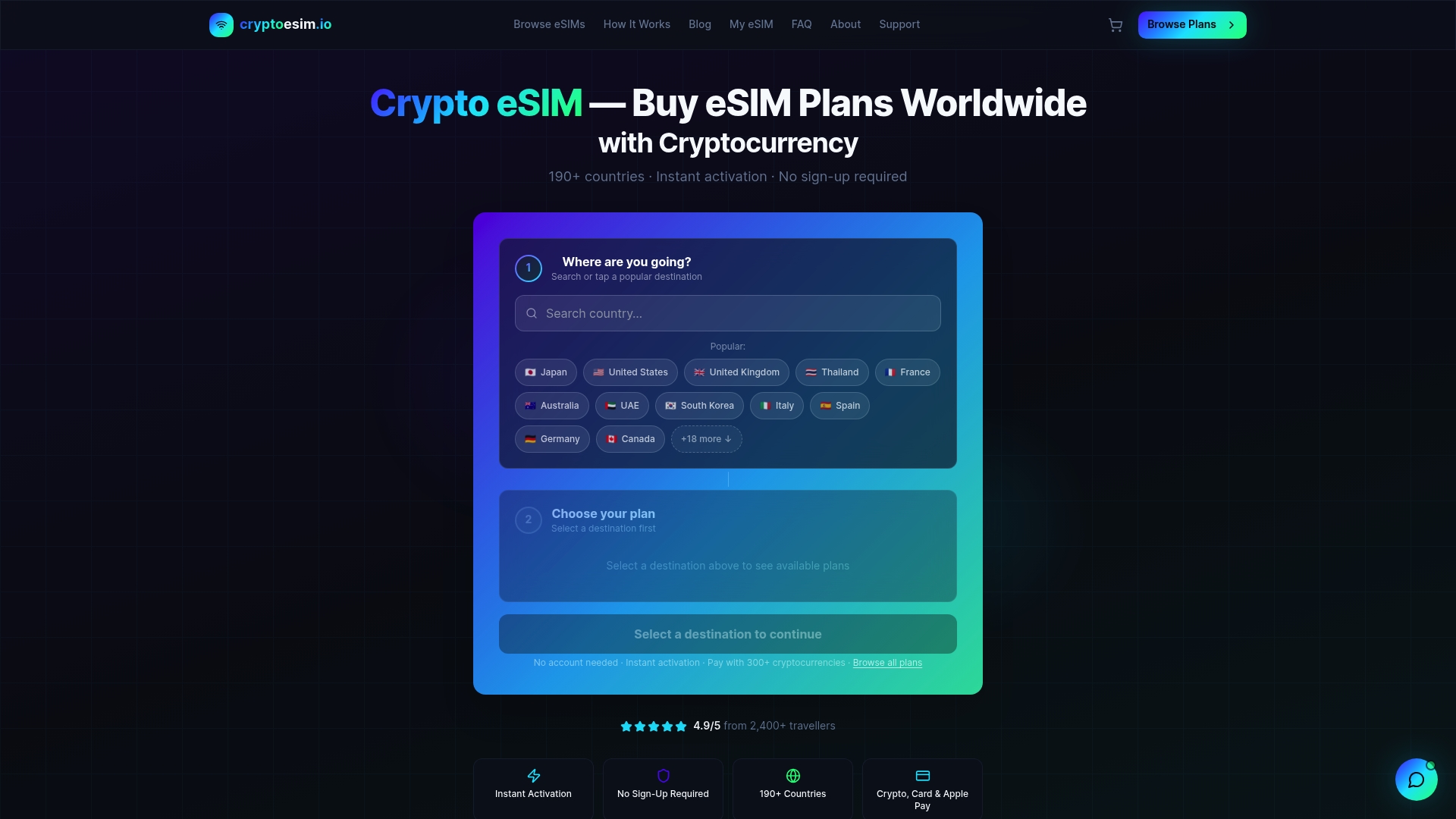
The same speed and security that makes Apple Pay ideal for gift cards applies directly to buying an eSIM plan. You authenticate with Face ID or Touch ID, the transaction clears in seconds, and your eSIM arrives digitally with no shipping wait. Cryptoesim also accepts Bitcoin, Ethereum, and over 300 other crypto tokens alongside standard card payments, making it one of the most flexible digital purchase platforms available. If you are traveling soon or need mobile data abroad, get your eSIM plan with Apple Pay today and be connected before you board.
FAQ
Can you buy gift cards with Apple Pay?
Yes, you can buy gift cards with Apple Pay on many retailer websites, apps, and some in-store locations. Availability depends on the retailer’s payment policies, so check before checkout.
Why is the Apple Pay button not showing at checkout?
The Apple Pay button only appears in Safari on Apple devices. Switching from Chrome or Firefox to Safari resolves this in most cases.
What happens if my Apple Pay gift card purchase is declined?
Most declines are caused by retailer anti-fraud policies or credit card issuer restrictions. Try switching to a debit card linked in your Wallet, which faces fewer purchase restrictions than credit cards for gift card transactions.
How fast do digital gift cards arrive after an Apple Pay purchase?
Digital gift cards typically arrive within minutes to your email inbox after a completed Apple Pay transaction.
Can I use my Apple Account balance to buy gift cards with Apple Pay?
No. Apple Pay requires a linked credit or debit card for gift card purchases. Your Apple Account balance cannot fund gift card transactions sent to others.