How to Stay Connected Remotely: Practical Strategies

TL;DR:
- Effective remote connection relies on deliberate communication habits, appropriate tools, and scheduled social interactions. Prioritizing quality over quantity, utilizing different tools for specific purposes, and maintaining regular no-agenda calls help build trust and prevent loneliness in distributed teams. Reliable internet access and intentional social engagement are essential for sustaining meaningful remote relationships.
Staying connected remotely is defined as the deliberate practice of maintaining productive and meaningful communication with colleagues, friends, and collaborators outside a shared physical space. Remote connection is not automatic. It requires intentional habits, the right tools, and social strategies that replace the organic interactions a physical office provides. 97% of workers link effective communication directly to their daily task success, and nearly 70% report significant productivity gains when communication improves. That data points to one clear conclusion: how you communicate remotely matters more than how often you do it.
What communication habits help you stay connected remotely?
The quality of your communication patterns predicts team performance far better than raw volume. MIT research confirms that balanced energy and turn-taking in conversations is the strongest predictor of team success. This means every person gets airtime, no one dominates, and conversations feel reciprocal rather than transactional.
One of the most underrated remote communication tips is the scheduled no-agenda chat. Booking 15-minute coffee calls with at least 5 minutes of non-project conversation replicates the informal hallway talk that remote workers lose. These calls are not about deliverables. They are about maintaining the human layer of a working relationship.
Voice calls also carry weight that text cannot. Switching one daily text exchange to a brief voice call produces a measurable boost in feeling seen and connected, with minimal time investment. A 5-minute call after a long thread of messages resets the emotional tone of a relationship quickly.
Video meetings deserve careful rationing. Video conferencing fatigue is real, and treating synchronous video as a scarce, high-value resource preserves cognitive energy for the conversations that actually need it. Default to asynchronous methods for updates, approvals, and status reports. Reserve live video for complex problem-solving and sensitive discussions.
Pro Tip: Block one 15-minute slot each week for a no-agenda call with a teammate. Rotate through your contacts monthly so no relationship goes cold.
Which tools and technologies best support remote connectivity?
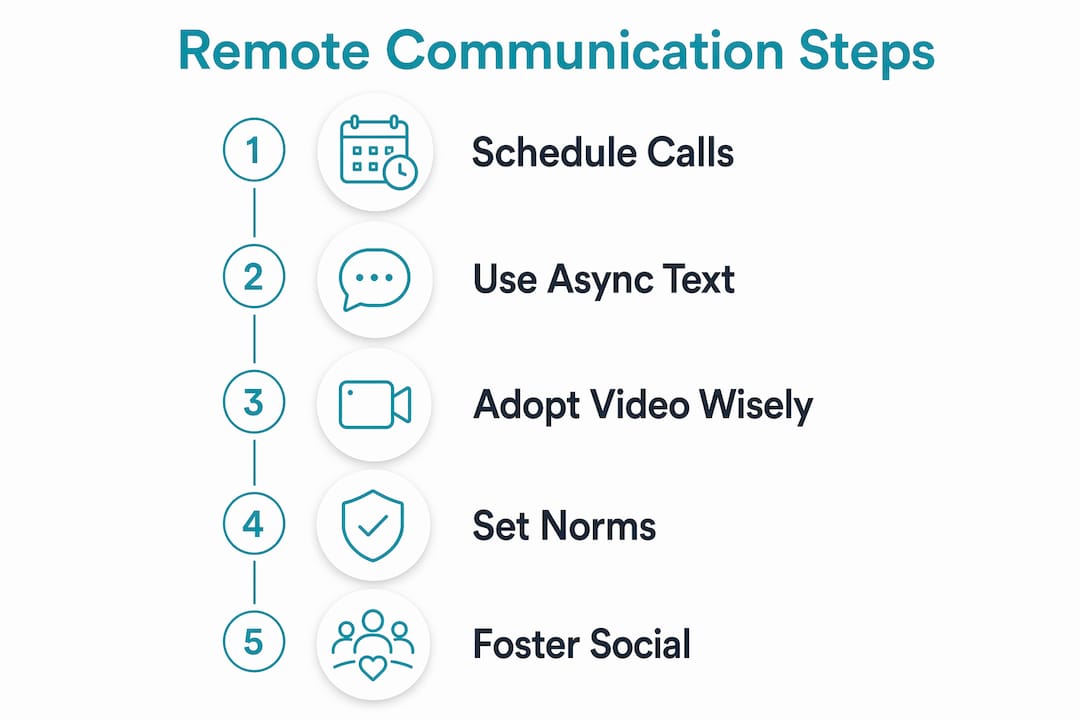
The right tool for the job depends on the type of communication, not personal preference. Using a single platform for everything creates noise. Separating tools by function reduces that noise significantly.
| Communication type | Best use case | Key benefit |
|---|---|---|
| Async text (email, docs) | Updates, approvals, documentation | Time zone flexibility |
| Real-time chat (team messaging apps) | Quick questions, urgent flags | Fast response loops |
| Video calls | Complex decisions, sensitive topics | Nonverbal cue recovery |
| Shared documentation platforms | Knowledge sharing, project tracking | Single source of truth |
The most effective remote teams combine these categories rather than collapsing them into one tool. A shared document handles the record. A chat thread handles the quick question. A video call handles the disagreement. Each tool does one job well.
Explicit communication norms reduce ambiguity and stress across all of these tools. Teams that define response expectations, such as using red, yellow, and green emoji signals to flag urgency, report less anxiety around unanswered messages. A red flag means urgent. A green flag means no rush. That simple system removes the guesswork from every message sent.
Asynchronous communication is the backbone of time zone flexibility. When your team spans multiple continents, defaulting to async for routine updates means no one waits on a reply at 2:00 AM. The best tools for remote work support async by design, with threaded conversations, recorded video messages, and searchable archives.
Pro Tip: Set a team norm document on day one. List which tool handles which type of message, and define response time expectations for each. Revisit it every quarter.
How do you foster personal connection and overcome remote work loneliness?
Remote work loneliness is not a personality problem. It is a structural one. The office provides ambient social contact without effort. Remote work removes that entirely, and you have to rebuild it deliberately.

Body doubling is one of the most effective techniques for combating isolation. Virtual coworking sessions recreate the experience of working alongside another person, which increases the sense of connection through shared presence. You are not collaborating on the same task. You are simply working in the same virtual space, cameras on, and that alone reduces the feeling of working in a vacuum.
Accountability partnerships go one step further. Pairing with one person for weekly check-ins creates a consistent, low-pressure relationship that serves both professional and personal connection needs. These partnerships work because they are scheduled, predictable, and mutual.
Social activities outside of work tasks also matter. Structured options include:
- Virtual happy hours with a shared activity, such as a trivia game or cooking challenge
- Remote book clubs with a monthly video call
- Peer learning sessions where teammates teach each other a skill
- Shared playlists or photo threads in a dedicated non-work channel
Understanding your own social needs is the foundation of all of this. Casual friendly interactions and deep, vulnerable conversations serve different emotional functions. Knowing which one you need at any given moment helps you seek the right type of connection rather than defaulting to more screen time.
Scheduled social interactions create non-work connection without adding to cognitive fatigue. The key is that they are scheduled. Spontaneous connection is rare in remote environments, so you have to put it on the calendar.
What are the most common remote communication mistakes?
Most remote communication problems are not technical. They are behavioral. Recognizing the patterns is the first step to correcting them.
-
Assuming message visibility. Sending a message does not mean it was read. Async tools create gaps. Follow up on anything time-sensitive with a direct ping or a call.
-
Dumping long text blocks. A wall of text in a chat thread is the remote equivalent of cornering someone at their desk for 20 minutes. Break updates into short, structured messages with a clear ask at the top.
-
Ignoring time zones. Scheduling a 9:00 AM meeting in your time zone at 11:00 PM for a teammate is a fast way to erode trust. Use a shared time zone tool and rotate meeting times when your team spans multiple regions.
-
Handling sensitive conversations over chat. Feedback, conflict resolution, and performance discussions belong on a video call. Text strips out tone and context, and misreads escalate quickly.
-
Falling into the silence spiral. The silence spiral happens when teams stop proactive communication and only respond to problems. It damages trust faster than any single conflict. Proactive casual check-ins and small win celebrations break the spiral before it sets in.
The fix for most of these mistakes is the “async by default, sync by exception” rule. Handle routine updates asynchronously. Reserve live meetings for decisions that require real-time input or interpersonal repair. Teams that apply this rule consistently reduce meeting volume by 30–40% without losing alignment.
Key Takeaways
Staying connected remotely requires deliberate communication habits, the right tool for each message type, and scheduled social interactions that replace the ambient contact a physical office provides.
| Point | Details |
|---|---|
| Quality over quantity | Communication pattern quality, not volume, predicts team performance and connection. |
| Match tool to message type | Use async text for updates, video for complex decisions, and chat for quick questions. |
| Schedule social time | Book no-agenda calls and virtual social events to replace informal office contact. |
| Prevent the silence spiral | Send proactive check-ins and celebrate small wins to maintain trust between crises. |
| Know your social needs | Distinguish between casual and deep connection needs to seek the right interaction. |
What I’ve learned about staying connected remotely
Most advice on remote communication focuses on tools. Buy this app, use that platform, set up this integration. After years of working across time zones and helping distributed teams build communication habits, I can tell you the tools are the easy part.
The hard part is the silence. Not the technical silence of a dropped call, but the social silence that builds when no one reaches out unless there is a problem. I watched a high-performing team fall apart not because they lacked tools, but because they stopped sending the small, unprompted messages that said “I see you, I’m here.” The silence spiral is real, and it moves fast.
What actually worked for me was treating social communication like a professional commitment. I put no-agenda calls on my calendar the same way I schedule project reviews. I set a recurring Friday message to one teammate with nothing more than a question about their week. It felt awkward at first. Within a month, it became the most productive relationship I had, because trust had room to grow outside of deadlines.
The other thing I’d push back on is the assumption that more communication fixes loneliness. It does not. The wrong kind of communication at the wrong frequency burns people out. One honest 10-minute voice call does more for connection than 40 Slack messages. Experiment with the format before you increase the volume.
— Mohammed
Reliable mobile data is the foundation of remote connectivity
Every strategy in this article depends on one thing: a reliable internet connection wherever you are. Without it, the best communication habits and tools fail before they start.
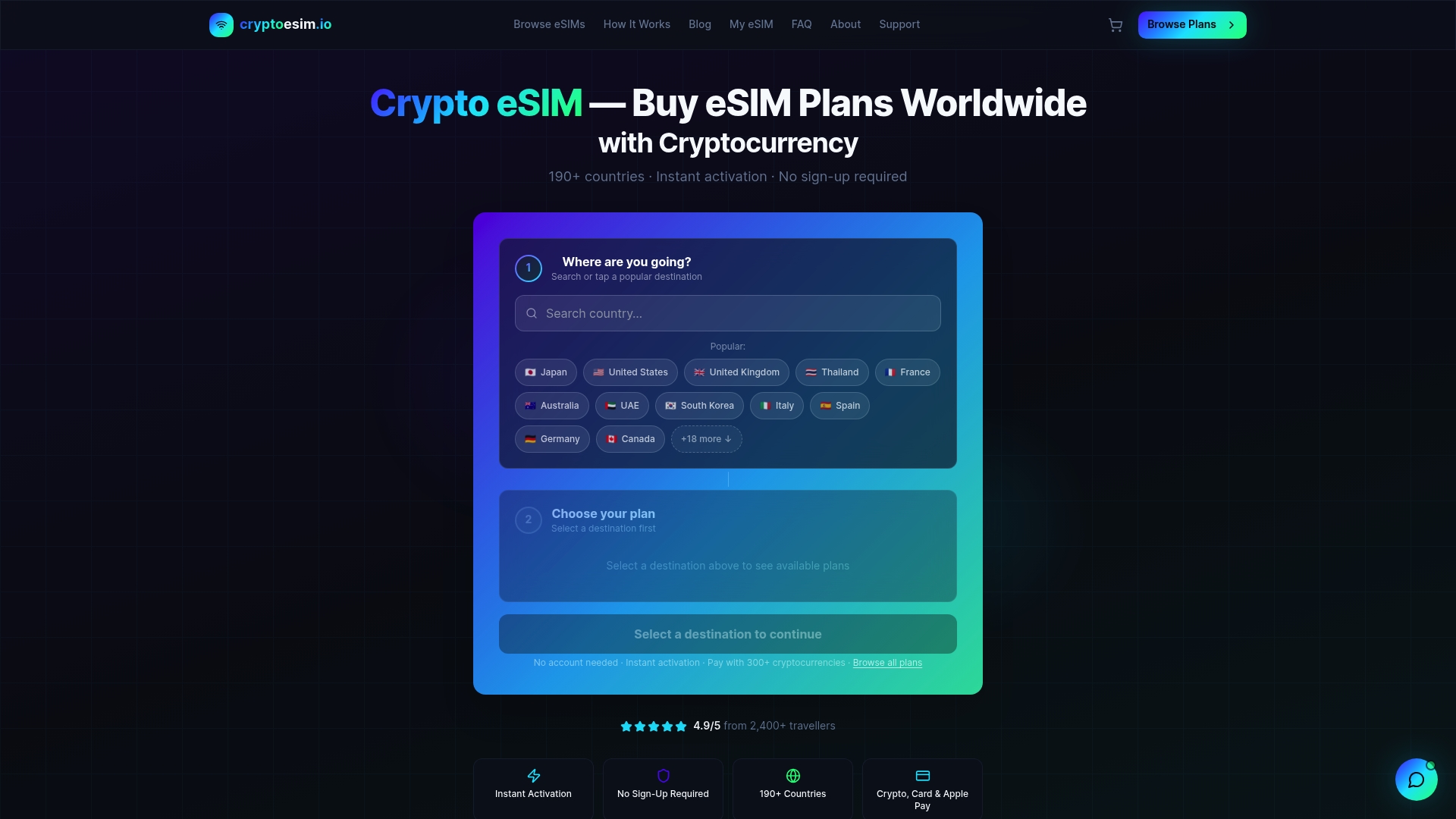
Cryptoesim provides instant eSIM activation for mobile data in over 190 countries, with no account required and no physical SIM card to manage. Remote workers and travelers can purchase a plan using Bitcoin, Ethereum, Apple Pay, or a credit card, and be online within minutes. For anyone working or traveling across borders, Cryptoesim removes the single biggest barrier to staying connected. Get your global eSIM plan and keep every communication strategy in this article running without interruption.
FAQ
What is the most effective way to stay connected remotely?
The most effective approach combines scheduled no-agenda calls, async-first communication norms, and regular social interactions outside of work tasks. Quality of communication patterns, not frequency, drives connection.
How do you avoid loneliness when working remotely?
Virtual coworking sessions, accountability partnerships, and scheduled social activities such as virtual happy hours or book clubs rebuild the ambient social contact that remote work removes. Identifying whether you need casual or deep connection helps you choose the right activity.
What does “async by default, sync by exception” mean?
It means handling routine updates, approvals, and status reports asynchronously, and reserving live meetings for decisions or conversations that require real-time interaction. Teams applying this rule typically reduce meeting volume by 30–40%.
How do communication norms help remote teams?
Explicit norms, such as emoji urgency signals and defined response time expectations by tool, remove ambiguity from every message. Teams with clear operating agreements report less stress and faster resolution of communication gaps.
Why is a voice call better than a text message for connection?
A brief voice call carries tone, pacing, and emotional cues that text strips out entirely. Switching one daily text exchange to a 5-minute voice call produces a stronger sense of being seen and heard with minimal additional time.