Mobile Connectivity Tips for Remote Workers in 2026
TL;DR:
- A layered internet setup is essential for remote workers to maintain reliable connectivity worldwide. Using primary, secondary, and tertiary connections ensures instant recovery from outages and smooth remote work. Digital eSIMs enable quick activation across countries, while hardware habits and testing protect connection quality and security.
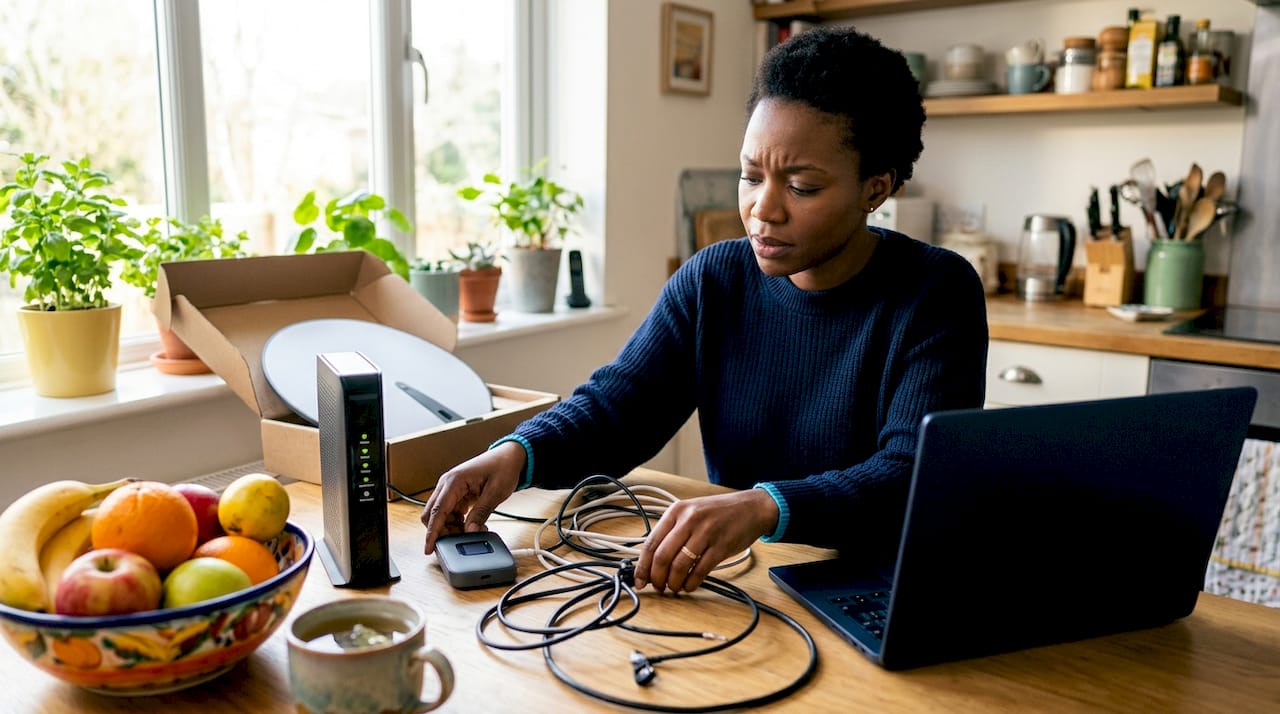
A layered internet setup is the single most effective mobile connectivity strategy for remote workers who need reliable access from any location worldwide. Relying on one connection is the fastest way to lose a client call, miss a deadline, or drop a live presentation. The best remote workers treat connectivity the way pilots treat fuel: they always carry more than they think they need. This guide covers the practical mobile connectivity tips for remote workers that actually hold up across time zones, border crossings, and unpredictable infrastructure.
1. What is a layered connectivity setup and why does it matter?
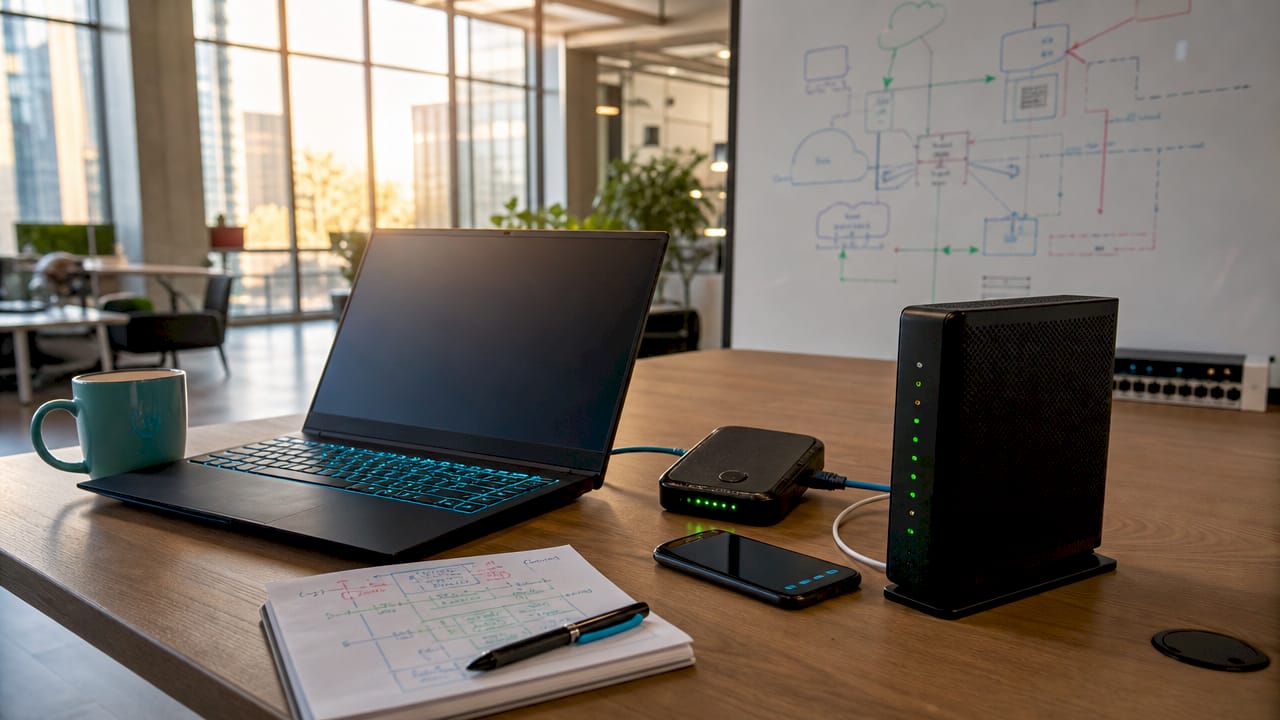
A tiered connectivity strategy means having a primary, secondary, and tertiary internet source ready at all times. When one connection fails, you switch to the next without losing momentum. This approach is the foundation of reliable remote work connectivity.
Your primary connection should be the fastest and most stable option available. That typically means fiber in a fixed location, delivering 100–300 Mbps, or a strong local mobile data signal in a coworking space or hotel.
Your secondary connection is your first backup. A 5G mobile hotspot or a secondary eSIM profile on your phone covers most outages within seconds. This layer handles the majority of real-world disruptions, from router failures to ISP outages.
Your tertiary connection is the emergency option. Starlink satellite internet delivers 150–250 Mbps download speeds with latency of 25–60 ms, making it a viable backup when cellular coverage disappears entirely. Coworking spaces also serve as a reliable tertiary fallback in most cities.
| Connection tier | Example source | Typical speed |
|---|---|---|
| Primary | Fiber or strong LTE/5G | 100–300 Mbps |
| Secondary | 5G hotspot or secondary eSIM | 50–150 Mbps |
| Tertiary | Starlink or coworking Wi-Fi | 25–250 Mbps |
Pro Tip: Set your phone’s mobile data to auto-connect whenever your primary Wi-Fi drops. Most modern smartphones support this failover natively in network settings.
2. How to use digital eSIM technology for international connectivity
Digital eSIMs enable instant activation in 190+ countries without swapping a physical SIM card. That single advantage changes how remote workers handle international travel. You land in a new country, activate a local data plan in minutes, and avoid the roaming fees that make carrier bills painful.
An eSIM, or embedded SIM, is a digital profile stored directly in your device. You download it via a QR code or app, and your phone connects to a local network immediately. Cryptoesim offers instant eSIM activation across more than 190 countries, with no account creation required and payment options including Bitcoin, Ethereum, Apple Pay, and credit cards.
The cost difference between an eSIM local data plan and international roaming from a home carrier is significant. Roaming charges from major carriers can reach $10 or more per day. A regional eSIM plan from a platform like Cryptoesim typically costs a fraction of that for the same or greater data volume.
Managing multiple eSIM profiles also gives you a built-in backup line. You can hold a regional data plan as your primary and a global plan as your secondary, all on one device with no extra hardware.
- Activate your eSIM before you land, not after. Airport Wi-Fi is unreliable for initial setup.
- Store your eSIM QR code as a screenshot in case you lose internet access during activation.
- Check device compatibility before purchasing. Most modern iPhones and Android flagships support dual eSIM.
- Keep one eSIM profile as a global fallback for countries where regional plans are unavailable.
Pro Tip: Buy your eSIM plan 24 hours before departure. This gives you time to troubleshoot activation issues while you still have reliable home Wi-Fi.
3. Hotspot and hardware practices that improve connection stability
A dedicated mobile hotspot device outperforms phone tethering in nearly every real-world scenario. Dedicated hotspots run cooler, last longer on battery, and handle multiple connected devices without throttling. Phone tethering works in a pinch, but it is not a sustainable primary connection method.
USB tethering is more efficient than wireless hotspot mode. It reduces latency, improves connection endurance, and charges your phone simultaneously. If you are doing a long video call from a café and your phone is your only data source, plug in via USB rather than broadcasting Wi-Fi.
A USB-C to Ethernet adapter is one of the most underrated tools in a remote worker’s bag. Wired connections in coworking spaces and hotels consistently deliver better stability and lower latency than Wi-Fi. Many venues have Ethernet ports that most guests never use.
- Use a dedicated hotspot device for extended work sessions requiring multiple connected devices.
- Switch to USB tethering when your phone is your only data source to preserve battery and reduce latency.
- Carry a USB-C to Ethernet adapter and check for wired ports before defaulting to Wi-Fi.
- Set your hotspot to the 5 GHz band when available. It is faster and less congested than 2.4 GHz.
- Use WPA3 encryption on any personal hotspot to block unauthorized access.
- Pack a portable power bank with at least 20,000 mAh to sustain devices during long sessions.
Pro Tip: Ask coworking space staff directly about Ethernet ports. They are often behind desks or along baseboards and are rarely advertised.
4. How to optimize bandwidth and keep your connection secure
Video conferencing requires a minimum of 10 Mbps for HD quality, with 20 Mbps providing a more comfortable buffer. Symmetrical upload and download speeds matter more than raw download speed alone. A connection with 100 Mbps download but only 5 Mbps upload will still struggle on Zoom or Google Meet.
When bandwidth is limited, drop your video resolution to 720p or lower. The quality difference is barely noticeable to other participants, but the bandwidth savings are real. Most video platforms including Zoom and Google Meet let you set this manually in settings.
Schedule heavy downloads and cloud syncs outside your core work hours. System updates, large file uploads, and backup processes compete directly with your video calls and real-time collaboration tools. Setting active hours in your operating system prevents background processes from degrading your session.
Security is not optional for remote workers on public or shared networks. WireGuard-based VPNs deliver the best balance of speed and security, far outperforming free VPN services that throttle bandwidth and may compromise your data. Pair your VPN with two-factor authentication on all work accounts and encrypted cloud storage for sensitive files. For a deeper look at why this matters, mobile data security is worth understanding before you connect on unfamiliar networks.
Pro Tip: Turn off auto-update on your operating system and major apps during work hours. Schedule updates for evenings or weekends to protect your bandwidth when it counts.
5. How to test and verify your connection before starting work
Signal bars on your phone measure voice call signal strength, not data throughput. Phone signal bars misrepresent actual usable data speeds. A full-bar reading can still mean unusable internet for video calls if the tower is congested.
Run a real-world speed test using Fast.com before committing to a location for work. Fast.com measures actual download throughput from Netflix servers, which reflects real-world streaming and video call performance better than synthetic tests.
Test for bufferbloat using Waveform.com’s bufferbloat test. Bufferbloat is latency inflation that occurs when your connection is under load. A connection with low idle latency but high bufferbloat will still drop calls and freeze screens during active use. Latency should stay between 5–20 ms on fiber and no higher than 60 ms for satellite connections.
- Open Fast.com and run a speed test. Confirm download speed meets your minimum threshold.
- Run the Waveform bufferbloat test. Look for an “A” or “B” grade before starting work.
- Open Zoom or Google Meet and make a test call. Confirm audio and video quality hold under real load.
- Check your carrier app or eSIM dashboard for remaining data. Unexpected overages kill productivity mid-session.
- Confirm power availability. Identify outlets and carry a power bank as backup before a long session begins.
Pro Tip: Save Fast.com and Waveform.com as browser bookmarks on every device. Running both tests takes under two minutes and prevents hours of frustration.
Key takeaways
Reliable remote work connectivity requires a layered setup, digital eSIM flexibility, hardware discipline, bandwidth management, and real-world testing before every session.
| Point | Details |
|---|---|
| Use a three-tier connection setup | Maintain primary, secondary, and tertiary internet sources to recover instantly from outages. |
| Activate eSIMs before you travel | Digital eSIMs cover 190+ countries instantly and cost far less than carrier roaming fees. |
| Prefer USB tethering over wireless hotspot | USB tethering reduces latency, improves stability, and charges your phone simultaneously. |
| Use WireGuard VPNs, not free ones | Free VPNs throttle speed and risk your data. WireGuard-based VPNs balance speed and security. |
| Test real throughput, not signal bars | Run Fast.com and Waveform bufferbloat tests before every work session to confirm usable speed. |
What I have learned about staying connected as a remote worker
The biggest mistake I see remote workers make is treating connectivity as something to figure out on arrival. You land in Lisbon or Chiang Mai, open your laptop, and then start hunting for a SIM card or a decent café. That reactive approach costs you hours every week.
The shift that changed everything for me was treating my internet setup as a professional investment, not an afterthought. I carry a dedicated hotspot, a USB-C to Ethernet adapter, and at least two active eSIM profiles at all times. The redundancy feels excessive until the day your hotel Wi-Fi goes down during a client presentation.
eSIM adoption has accelerated faster than most people realize. The ability to buy an eSIM with crypto and activate it in minutes, without handing over personal data or waiting for a physical card, is a genuine shift in how mobile workers operate. Privacy and speed now come in the same package.
One thing most connectivity guides skip: the social layer matters too. Regular check-ins and team engagement prevent the isolation that erodes remote work productivity over time. Technical reliability keeps you online. Human connection keeps you effective.
— Mohammed
Cryptoesim makes global remote connectivity straightforward
Remote workers who move between countries need data that activates instantly and works without carrier contracts or SIM card hunts. Cryptoesim provides eSIM data plans covering 190+ countries, with activation in minutes and no account required.
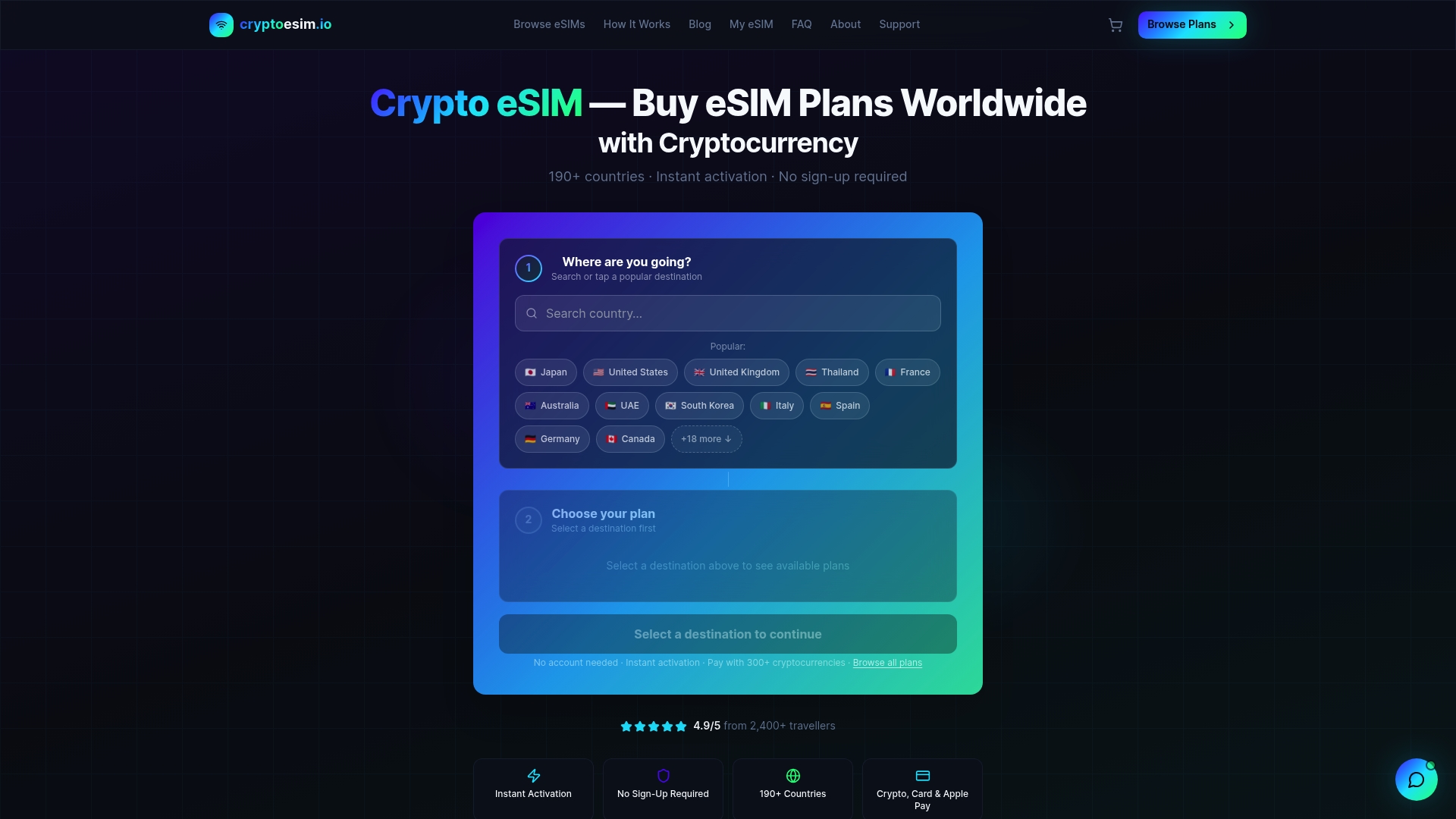
Payment works via Bitcoin, Ethereum, over 300 other crypto tokens, credit cards, or Apple Pay. That flexibility matters when you are crossing borders and do not want to deal with local banking friction. Whether you need a regional plan for a month-long stay or a global plan as a backup line, Cryptoesim has packages built for the way remote workers actually travel. Browse global eSIM plans and get connected before your next departure.
FAQ
What is the minimum internet speed for remote work video calls?
A minimum of 10 Mbps for HD video conferencing is required, with 20 Mbps recommended for a stable experience. Symmetrical upload and download speeds matter more than raw download speed alone.
How does an eSIM differ from a physical SIM for remote workers?
An eSIM is a digital profile stored in your device that activates instantly without a physical card swap. It covers 190+ countries and costs significantly less than international roaming from a home carrier.
Why should remote workers avoid free VPNs?
Free VPN services throttle bandwidth and may compromise user data privacy. WireGuard-based VPNs provide a better balance of speed and security for remote work on public or shared networks.
How do I test whether a location has usable internet before working there?
Run a speed test on Fast.com and a bufferbloat test on Waveform.com. Signal bars alone do not reflect actual data throughput and will mislead you about real-world connection quality.
What is the best backup internet option for remote workers in rural areas?
Starlink satellite internet delivers 150–250 Mbps download speeds with 25–60 ms latency, making it the most reliable tertiary backup for remote workers in areas without cellular coverage.