Travel Connectivity Workflow: Your 2026 Global Guide

TL;DR:
- A travel connectivity workflow involves purchasing, installing, and managing eSIM profiles to maintain reliable mobile data across multiple countries. Using regional profile kits and multi-device sharing options enhances speed, reduces costs, and prevents activation issues on trips. Most travelers still rely on traditional SIMs, missing out on the cost savings and convenience offered by eSIM technology.
A travel connectivity workflow is the coordinated process international travelers use to maintain reliable mobile data access across multiple countries without disruption. The standard professional approach in 2026 is a data-only eSIM, which saves 60–70% compared to traditional roaming charges. Tools like Weconnect, GO!GO! eSIM, and Cryptoesim make this process faster and more affordable than ever. This guide walks you through every stage: device preparation, activation, multi-device syncing, troubleshooting, and advanced profile management for complex multi-country trips.
What essential tools are needed for a travel connectivity workflow?
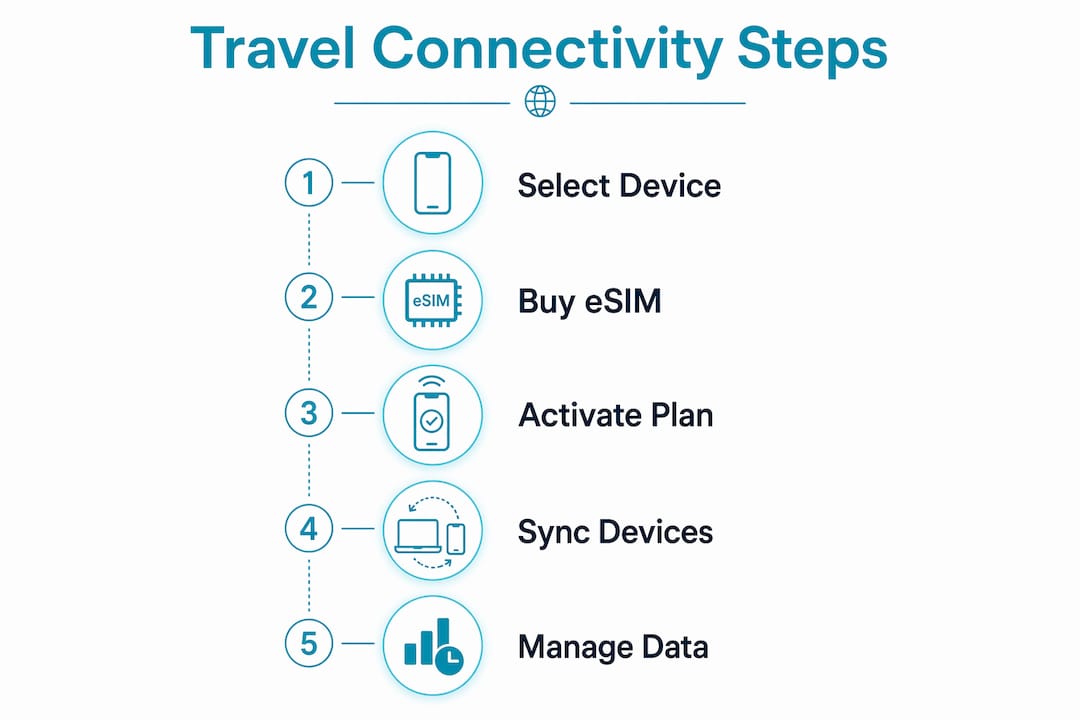
A working travel connectivity workflow starts with three things: a compatible device, a purchased eSIM plan, and a clear activation sequence. Skip any one of these and you will hit a wall at the airport.

Device compatibility
Your phone must support eSIM natively. Apple devices from iPhone XS onward are compatible. On Android, you need Android 10 or later on an eSIM-enabled model, such as the Google Pixel 4 series, Samsung Galaxy S20 series, or newer. Check your carrier settings to confirm your device is not SIM-locked before you travel.
Choosing the right plan
The choice between a regional plan and a global roaming plan matters more than most travelers realize. Regional profile kits deliver faster local network speeds and lower per-day costs than a single global plan stretched across multiple countries. A global plan trades performance for convenience. For trips covering three or more countries, regional plans almost always win on both speed and price.
| Platform | Coverage | Payment Options | Account Required |
|---|---|---|---|
| Cryptoesim | 190+ countries | Crypto, card, Apple Pay | No |
| Weconnect | 100+ countries | Card, invoice | Yes |
| GO!GO! eSIM | 100+ countries | Card | Yes |
Pre-trip setup checklist
- Confirm eSIM support on every device you plan to use
- Purchase your plan at least 24 hours before departure
- Download the eSIM profile over stable Wi-Fi at home
- Keep your physical home SIM active for calls and SMS
- Save the QR code and confirmation email offline
Pro Tip: Buy your eSIM plan before you leave home. Airport Wi-Fi is unreliable, and you want your data active the moment you land, not 20 minutes after.
How to execute the step-by-step travel connectivity workflow
Execution is where most travelers make mistakes. The QR code activation process completes in under 60 seconds, but only if you follow the correct sequence. Rushing or skipping steps causes profile conflicts that are frustrating to fix mid-trip.
Step-by-step activation process
- Download the profile at home. Scan the QR code provided by your eSIM provider over a stable Wi-Fi connection. The profile installs in under 60 seconds.
- Label your lines clearly. Rename your home SIM line “Home” and your eSIM line “Travel” in your phone settings. This prevents confusion when switching data sources.
- Set data default before landing. Switch your default cellular data line to the travel eSIM before the plane lands. Do this while still connected to in-flight Wi-Fi if available.
- Toggle airplane mode on arrival. Turn airplane mode on, wait 10 seconds, then turn it off. This forces your device to register on the local network immediately.
- Verify signal and data. Open a browser or run a speed test to confirm the eSIM is active and pulling local network speeds.
Multi-device syncing
Primary Profile Sharing lets multiple devices use the same eSIM plan independently. Companion Device Mode routes secondary devices through your primary phone. Primary Profile Sharing is the better choice for travelers carrying a phone and a tablet, since both devices work even when separated. Companion Device Mode works for smartwatches but fails if your primary device loses power.
Pro Tip: Always activate your primary device first, wait 30 seconds, then activate secondary devices. Activating simultaneously causes sync conflicts that require a full profile reset.
| Sync method | Best for | Limitation |
|---|---|---|
| Primary Profile Sharing | Phone + tablet combos | Carrier support varies |
| Companion Device Mode | Phone + smartwatch | Requires primary device online |
What are common challenges in travel connectivity workflows?
Even a well-prepared workflow hits friction. Knowing the failure points in advance cuts your troubleshooting time from 30 minutes to under five.
Sync conflicts and activation failures
Cross-device sync failures happen most often at border crossings when profiles update at different speeds across devices. The fix is simple: activate devices in a fixed order every time, and always check battery levels before crossing a border. A device that dies mid-activation can corrupt the profile.
Carrier incompatibilities are the second most common failure. Some local carriers in Southeast Asia and parts of Africa do not support all eSIM profile types. Research carrier compatibility for each country before you depart, not after you land.
Managing data and avoiding overages
Set a data usage alert at 80% of your plan limit inside your phone settings. Most eSIM providers do not send automatic overage warnings. Running out of data in a country where you cannot easily buy a top-up is a real problem, especially for remote workers on deadline.
Quick-fix checklist for common issues
- No signal after landing: Toggle airplane mode off and on; wait 60 seconds for network registration
- Profile not activating: Restart the device and retry; check that Wi-Fi calling is disabled
- Slow speeds: Confirm you are on the correct data line in settings; disable Wi-Fi to force cellular
- Sync conflict on secondary device: Delete the secondary profile, reboot the primary device, then re-add the secondary
Pro Tip: Screenshot your eSIM QR code and store it in a cloud folder before you travel. If you lose your confirmation email, you can reinstall the profile without contacting support.
How do advanced travelers optimize multi-country trips?
Power users treat their eSIM setup like a packing list. They build profile kits before departure rather than buying plans reactively at each destination.
Profile kits vs. global roaming
A profile kit is a curated collection of regional eSIM profiles for each country or region on your itinerary. You pre-purchase plans for Europe, Southeast Asia, and Latin America separately, then activate each one as you enter that region. This approach consistently outperforms a single global roaming plan on both speed and cost.
Over-the-air profile updates are the next step up. Enterprise platforms like Weconnect push updated profiles to devices automatically based on geolocation. Individual travelers cannot yet access this level of automation from most consumer platforms, but it is the direction the industry is moving.
Traditional SIM vs. eSIM 3.0
| Feature | Traditional SIM | eSIM 3.0 |
|---|---|---|
| Profile switching | Manual, physical swap | Over-the-air, instant |
| Multi-device support | One device per SIM | Unified profile sharing |
| Activation time | Hours to days | Under 10 minutes |
| Adoption rate | Widespread | 27% among travelers |
eSIM 3.0 adoption sits at 27% among travelers. That low number means most travelers are still leaving significant cost savings and performance gains on the table. Early adopters who build profile kits and use unified profile sharing consistently report fewer connectivity interruptions and lower monthly data costs.
For corporate teams, bulk provisioning via QR codes or mobile device management platforms allows IT managers to deploy eSIMs at scale before employees board their flights. API automation handles ongoing provisioning without per-user manual steps.
What tools improve travel connectivity workflow efficiency for remote work?
A strong travel connectivity workflow does not rely on a single data source. Remote workers need layered backup options and offline-first habits to stay productive when connectivity drops.
Backup connectivity options
- Portable Wi-Fi hotspots: Devices like Skyroam Solis or local rental hotspots provide a secondary data source when your eSIM signal is weak
- Starlink portable: Available in select regions, Starlink provides satellite internet as a last-resort backup in rural or remote areas
- Hotel Wi-Fi evaluation: Test hotel Wi-Fi speed with Speedtest by Ookla on arrival; if download speeds fall below 10 Mbps, activate your eSIM for work calls
Offline-first work practices
Offline-first workflow strategies treat connectivity as a tool, not a requirement. Store working files locally using Google Drive offline mode, Notion’s offline sync, or Obsidian for notes. Schedule uploads and syncs during high-quality connection windows rather than working in real time through a weak signal.
Remote workers who rely on productivity tools like Slack, Notion, and Loom can configure each app to cache content locally. This keeps your workflow moving even when you drop to 2G speeds between cities.
Pro Tip: Before checking into any accommodation, ask for the Wi-Fi password and run a speed test before unpacking. If speeds are unusable, you have time to activate your eSIM backup before your first call.
Key takeaways
A structured travel connectivity workflow built around eSIM technology, regional profile kits, and offline-first habits is the most cost-effective and reliable approach to international mobile data in 2026.
| Point | Details |
|---|---|
| eSIM saves 60–70% on roaming | Switch to a data-only eSIM to cut international data costs significantly versus traditional roaming. |
| Regional profiles beat global plans | Build a profile kit for each destination to get faster speeds and lower per-day costs. |
| Activation order prevents sync failures | Always activate your primary device first, then secondary devices, with a 30-second gap between each. |
| Offline-first habits protect productivity | Store files locally and schedule syncs during strong connection windows to avoid workflow interruptions. |
| eSIM 3.0 adoption is still low | Only 27% of travelers use unified profile sharing, meaning most are missing available performance gains. |
Why I think most travelers are still doing this the hard way
I have watched the eSIM market mature over the past three years, and the gap between what is available and what most travelers actually use is striking. The tools exist to make international connectivity nearly invisible. Most people still buy a local SIM at the airport, pay a premium, and lose 45 minutes of their first day abroad doing it.
The shift I find most underrated is the profile kit approach. Travelers who build their regional plans before departure do not just save money. They arrive ready. There is no scrambling for a SIM vendor, no language barrier at a carrier store, and no dead zone between landing and getting online. That mental overhead adds up across a long trip.
The multi-device sync piece is where I see even tech-savvy travelers stumble. They treat their phone and tablet as separate problems. They are not. Unified profile sharing through Primary Profile Sharing mode means both devices run on the same plan without doubling your cost. The 27% adoption rate tells me this feature is almost entirely undiscovered.
My honest advice: spend 20 minutes before your next trip building a proper workflow. Purchase your plans, label your lines, set your data alerts, and configure offline sync on your key apps. That 20 minutes will save you hours of frustration and real money on every trip that follows.
— Mohammed
Get connected before you land with Cryptoesim
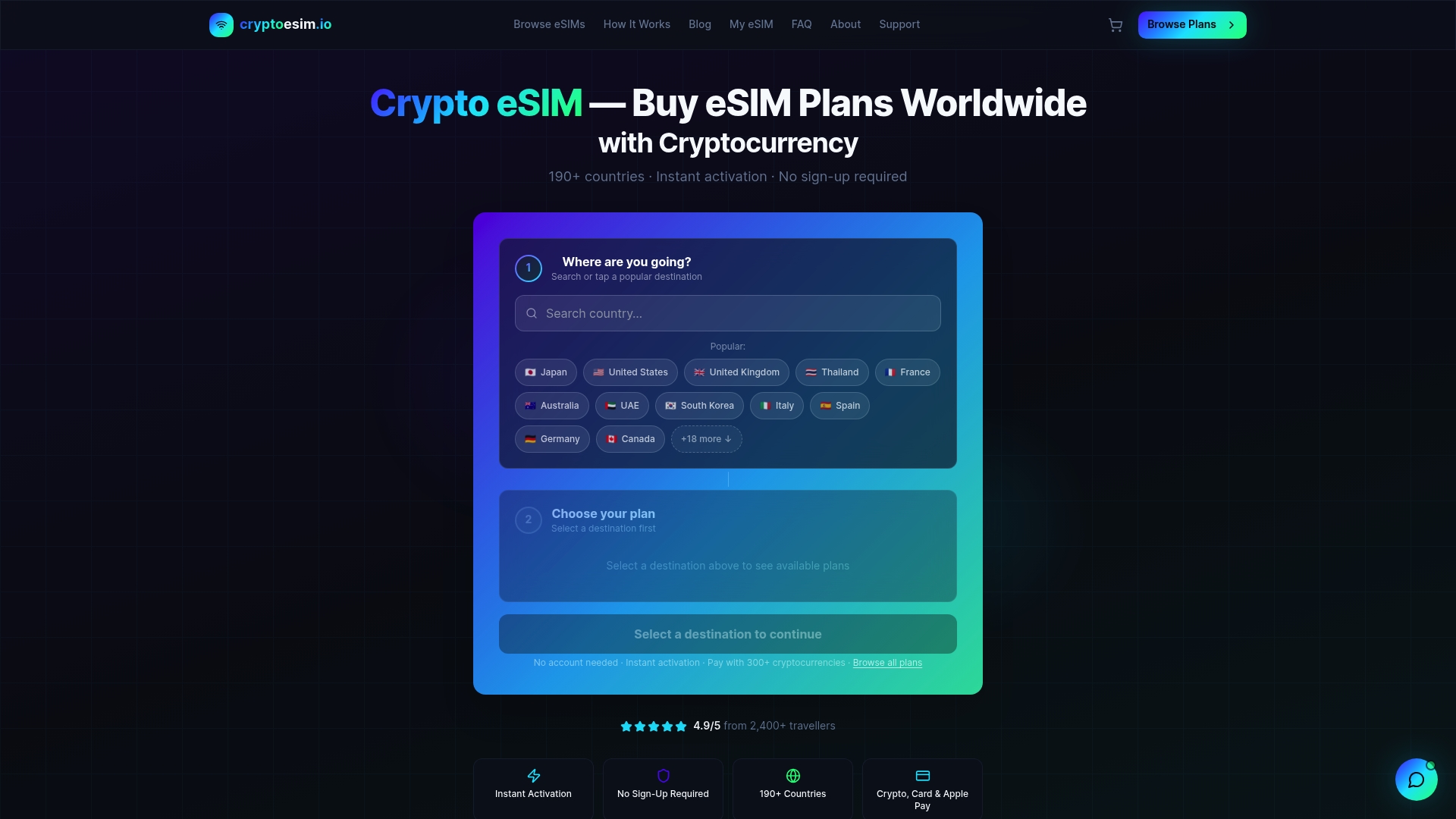
Cryptoesim covers 190+ countries with instant eSIM activation and no account required. You purchase your plan, receive your QR code, and install your profile in under 10 minutes from anywhere in the world. Payment works via Bitcoin, Ethereum, over 300 other crypto tokens, credit cards, or Apple Pay. There is no KYC process and no waiting for a physical SIM to arrive in the mail. For travelers who want their mobile data ready before they board, Cryptoesim is the fastest path from purchase to connected.
Whether you are building a profile kit for a three-continent trip or just need reliable data for a two-week work trip abroad, Cryptoesim gives you the coverage and flexibility to execute your connectivity workflow without friction.
FAQ
What is a travel connectivity workflow?
A travel connectivity workflow is the structured process travelers use to purchase, install, activate, and manage mobile data access across multiple countries. It typically involves eSIM profiles, QR code activation, and multi-device syncing to maintain uninterrupted connectivity.
How much does an eSIM save compared to traditional roaming?
A data-only eSIM saves 60–70% compared to traditional international roaming charges. Enterprise users can exceed 70% in savings when using bulk provisioning platforms like Weconnect.
Can I use one eSIM plan across multiple devices?
Yes. Primary Profile Sharing allows multiple devices to use the same eSIM plan independently. Companion Device Mode routes secondary devices through your primary phone, which works well for smartwatches but requires the primary device to stay online.
What should I do if my eSIM does not activate on arrival?
Toggle airplane mode on and off, wait 60 seconds, and check that your default data line is set to the travel eSIM. If the profile still fails, restart your device and confirm the carrier supports your eSIM profile type in that country.
What is a profile kit for multi-country travel?
A profile kit is a pre-purchased collection of regional eSIM profiles covering each country or region on your itinerary. It delivers faster local network speeds and lower costs than a single global roaming plan stretched across multiple destinations.